

No Service Repair in Irvine, CA | Fast Apple Repair
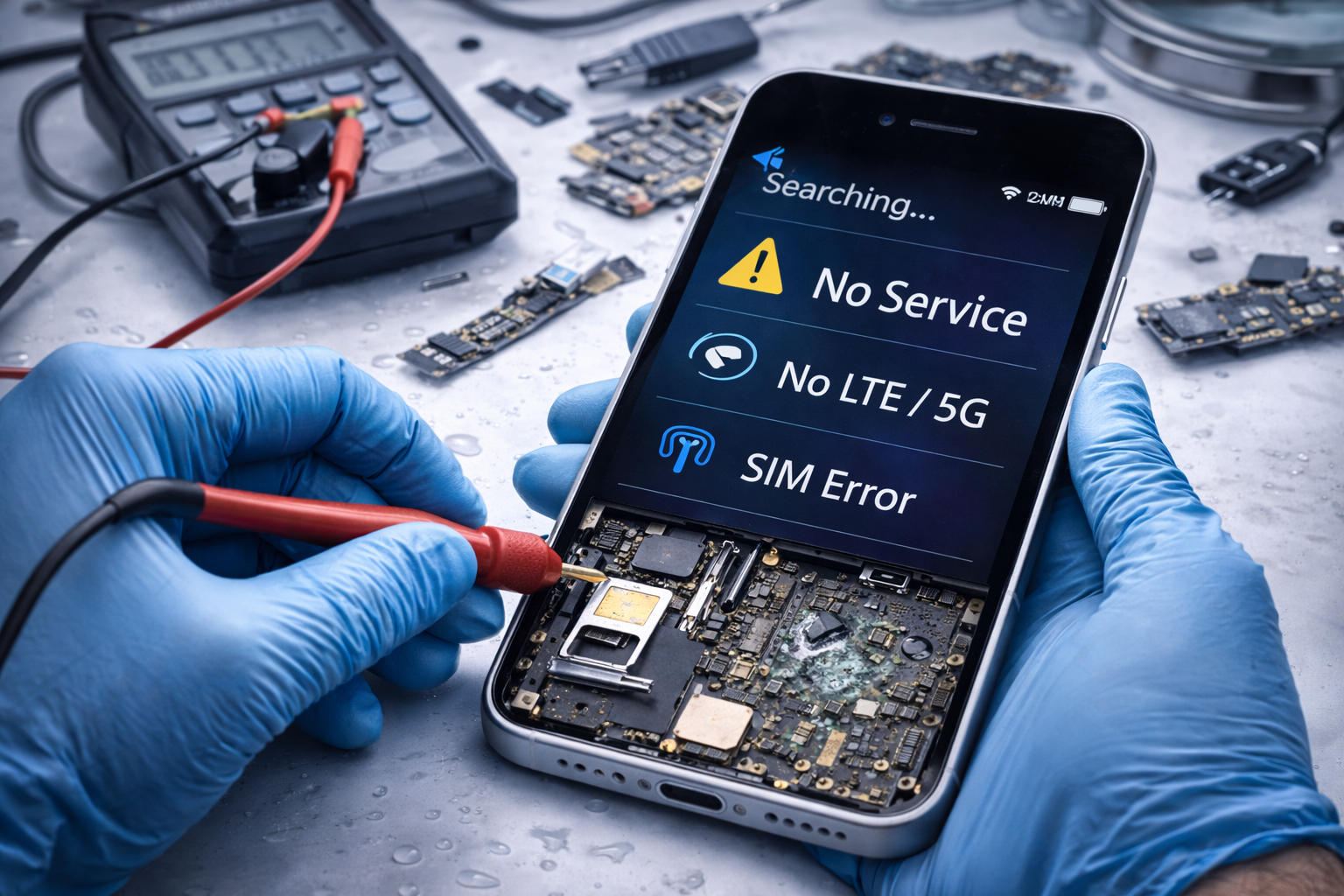
Fast Apple Repair provides professional no service and connectivity repair for Apple devices in Irvine, CA. If your iPhone shows “No Service,” “Searching,” weak signal, SIM errors, or dropped calls, our technicians diagnose and repair the issue quickly and accurately. We service antenna failures, SIM tray problems, software activation conflicts, carrier connectivity issues, and post-liquid signal damage.
We provide fast diagnostics, honest recommendations, and affordable repair options for all Apple models—without appointment delays or long wait times.
Common Connectivity Problems We Fix
No Service / No Signal
Prevents the device from connecting to a carrier network. Often caused by antenna or SIM issues, activation conflicts, or corrosion. Diagnostics confirm whether failure is hardware, software, or carrier-related.
Weak or Intermittent Signal
Signal strength fluctuates, causing slow data or dropped reception. Common causes include antenna wear, cable damage, or interference. Diagnostics determine whether the issue is internal hardware or carrier settings.
No LTE / No 5G
Device connects to older network bands but fails to use LTE/5G. Often related to RF components, SIM activation, or software conflicts. Diagnostics restore compatibility and performance.
Dropped Calls & Poor Audio
Calls disconnect or sound distorted due to RF failures, antenna damage, or corrosion. Diagnostic testing isolates whether the issue is internal hardware or carrier-related for proper repair.
Professional Diagnostics for No Service & Connectivity Issues
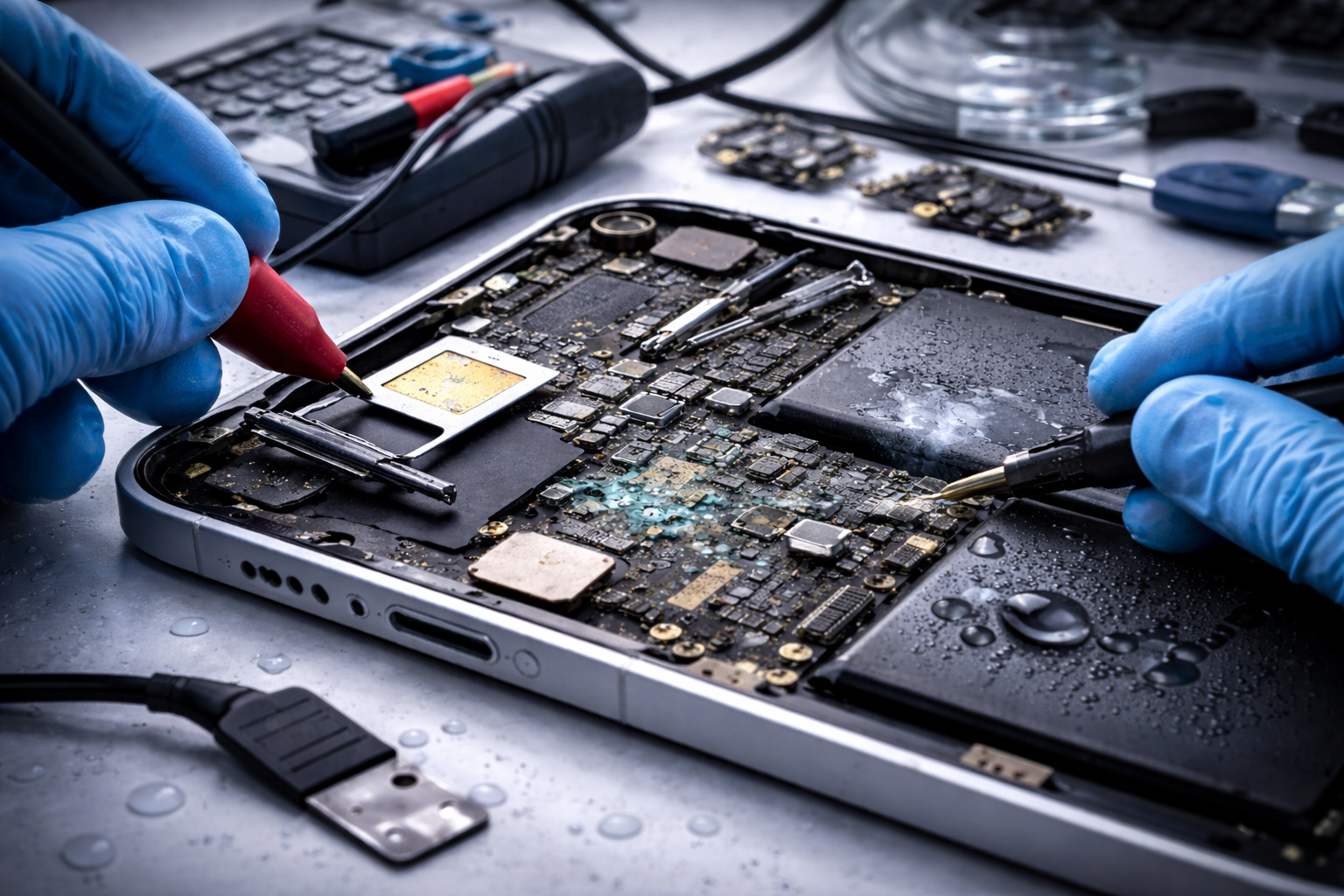
Connectivity issues can arise from multiple points within an Apple device, including antenna failures, SIM reader malfunctions, carrier settings, software errors, or liquid damage affecting RF components. Because these symptoms often appear identical on the surface, we don’t guess—our technicians run proper connectivity diagnostics to identify the exact cause of the issue and recommend the most effective repair solution.
You should consider a diagnostic if your iPhone or Apple device shows signs such as:
-
“No Service” or “Searching” status
-
Dropped or failed calls
-
Weak or inconsistent signal strength
-
No LTE or 5G data connectivity
-
SIM card or SIM activation errors
-
Carrier activation or setup issues
Connectivity failures are often fixable once the source is identified, and proper diagnostics prevent unnecessary repairs, avoid carrier confusion, and save time.

iPhone, iPad, MacBook & iMac Connectivity Support
Fast Apple Repair can troubleshoot a range of connectivity and carrier-related problems on Apple devices, including iPhones, iPads, MacBooks, and iMacs.

iPhone Repair
iPad Repair
MacBook Repair & Upgrade
iMac PC Repair & Upgrade

PC & Laptop Repair
Professional Connectivity Repair You Can Trust
Connectivity failures can originate from several points within the device — including software, network, carrier, and hardware components. Because “No Service” and signal issues often present the same symptoms regardless of the root cause, proper diagnostics prevent unnecessary repairs and help isolate the true source of the problem. At Fast Apple Repair, we inspect the entire connectivity chain, including:
-
SIM tray or SIM reader failure — improper SIM contact prevents the device from registering with the carrier.
-
Antenna cable damage — weak or no signal caused by physical damage, drops, or internal cable failures.
-
Carrier activation conflicts — activation blocks, profile errors, or carrier lock issues.
-
Logic board corrosion — water or moisture exposure affecting RF and signal pathways.
-
Software or configuration errors — outdated carrier settings, iOS-related bugs, or corrupted profiles.
-
Liquid damage to RF components — corrosion disrupting the phone’s ability to establish network communication.
Our technicians use structured diagnostics to identify whether the issue is repairable, software-based, or carrier-related, and we provide clear recommendations so you only pay for the solution that makes sense for your device.
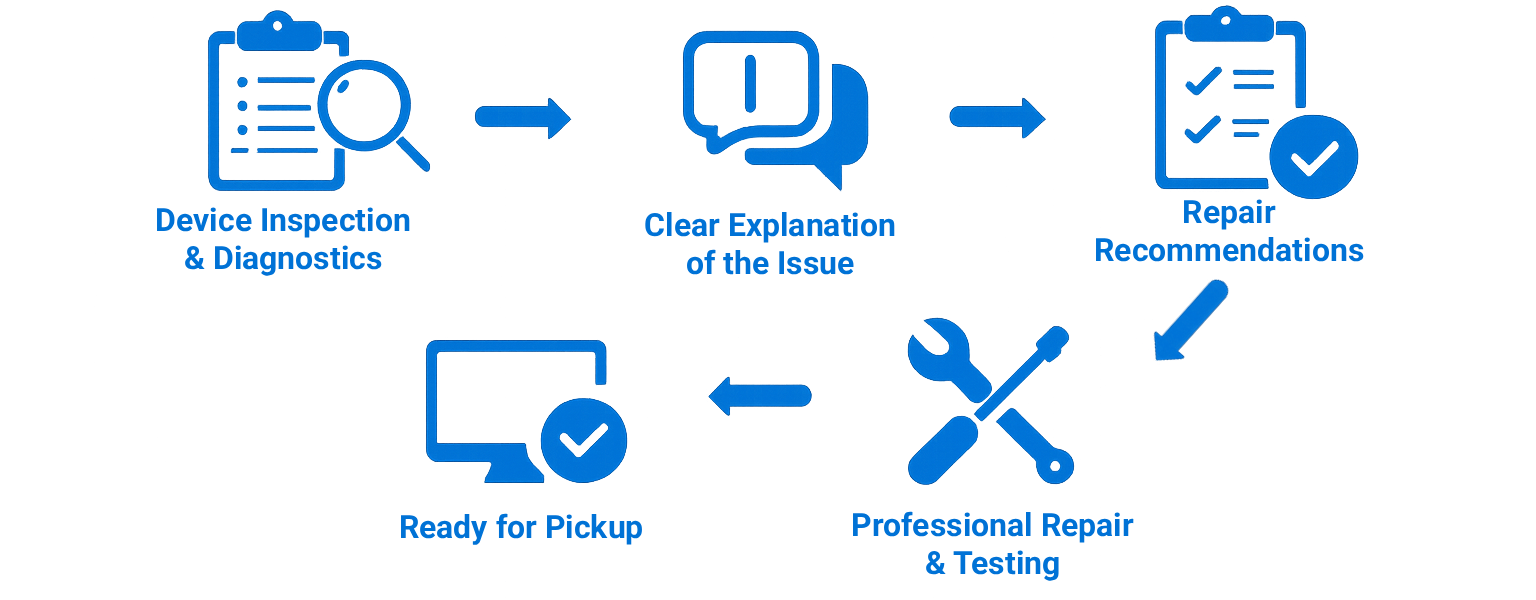
Our No Service Repair Process
We keep the no service repair process simple and stress-free:
- Device inspection and diagnostics
- Clear explanation of the issue
- Repair recommendations
- Professional No Service or Connectivity repair
- Testing and device pickup
This process ensures your device is returned fully functional and ready for daily use.

Fast, Honest Diagnostics for Signal & Service Issues
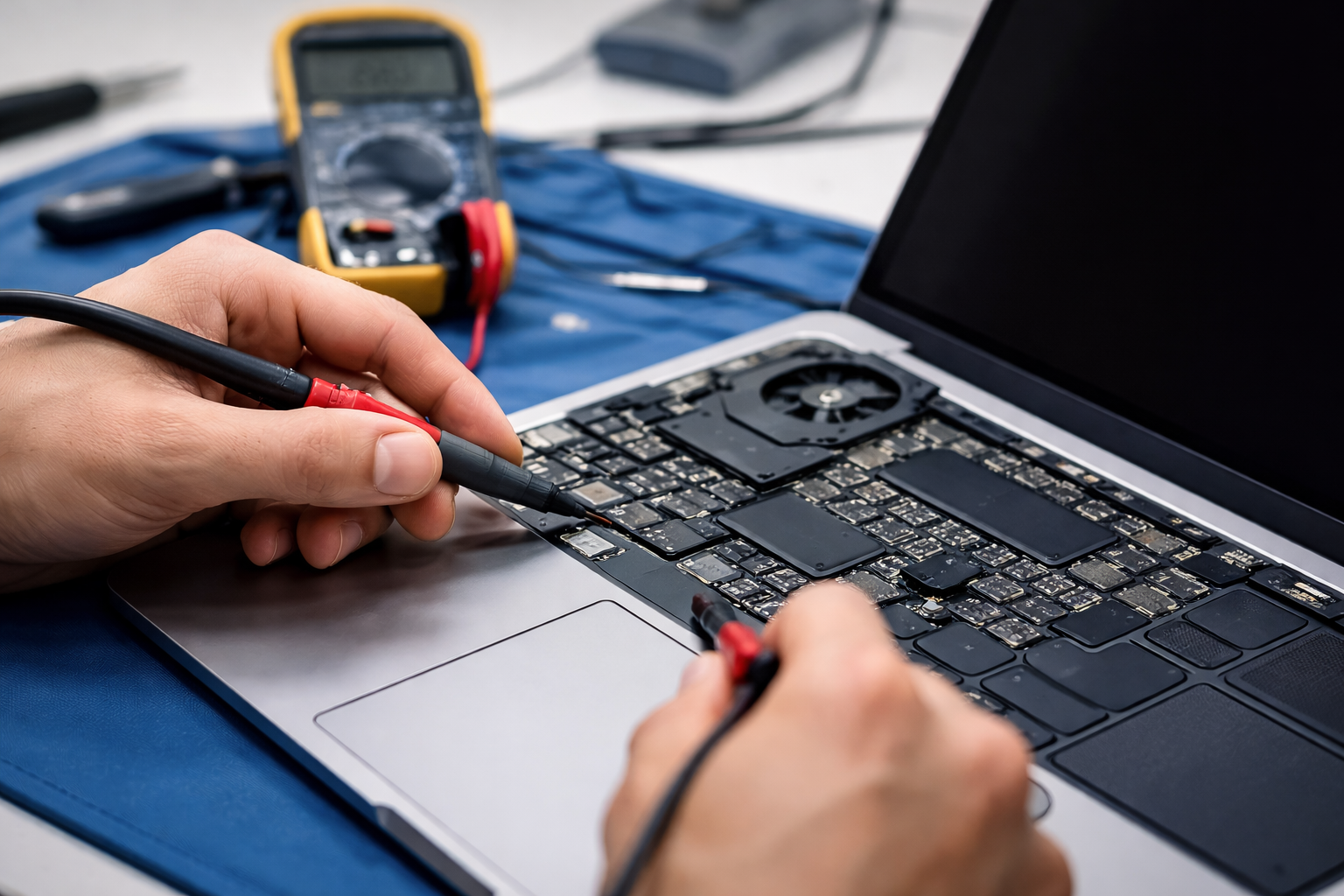
At Fast Apple Repair, every service repair starts with a diagnostic inspection. This allows us to confirm whether the issue is limited to the software or related to other internal components(hardware).
Our diagnostic process checks for:
-
SIM recognition & carrier activation
-
Antenna cable and RF path issues
-
Software or configuration conflicts
-
Liquid or impact-related damage
-
Board-level signal failures
-
LTE/5G network compatibility
-
Call & data performance tests
Diagnostics help determine if the issue is repairable, carrier-related, or software-based before any work begins.
Serving Irvine and Nearby Areas
Fast Apple Repair is located in Irvine, CA, and proudly serves customers throughout Orange County. Our central location allows us to efficiently support nearby cities while maintaining fast turnaround times.
Irvine, CA
Santa Ana, CA
Newport Beach, CA
Costa Mesa, CA
Fountain Valley, CA
Huntington Beach, CA
Anaheim, CA
Laguna Beach, CA
Why Choose Fast Apple Repair for No Service/Connectivity Repair
Customers throughout Irvine and Orange County trust Fast Apple Repair for advanced connectivity and signal-related diagnostics because we deliver consistent, accurate results. Carrier issues, antenna failures, SIM errors, or liquid damage can be difficult to pinpoint without the right tools — our Apple-focused technicians specialize in identifying the true cause instead of guessing.
What sets us apart:
-
15+ years of Apple repair experience
-
Apple-focused technicians
-
Accurate diagnostics before repair
-
High-quality replacement parts
-
Thorough post-repair testing
-
Transparent pricing and recommendations
-
Locally owned and operated in Irvine, CA
We approach every repair with care and ensure all work meets professional standards. Our goal is to restore proper network connectivity and performance so you can rely on your Apple device again.

Schedule No Service / Connectivity Repair in Irvine, CA
If your iPhone, iPad, or MacBook is showing “No Service,” dropping signal, or failing to connect reliably, Fast Apple Repair is ready to help. We proudly provide professional connectivity repair services for customers in Irvine and nearby areas. Whether the problem is related to antennas, SIM components, liquid damage, or internal board-level failures, our technicians perform diagnostics first to determine the smartest repair path — no unnecessary replacements and no surprises.
We service a wide range of issues including signal loss, network compatibility errors, weak reception, failed LTE/5G activation, and intermittent connectivity problems.
Our repair center is conveniently located in Irvine and accepts both walk-ins and scheduled appointments.
Whether you’re dealing with a cracked screen, battery issues, water damage, or performance problems, our technicians are ready to help.
Location: 18019 Sky Park Cir Ste A, Irvine, CA 92614
Call now or book an appointment online to get started.
Frequently Asked Questions About No Service / Connectivity Repair
For more answers, visit our Frequently Asked Questions page
Can “No Service” issues be repaired?
Yes. Many cases are repairable and caused by antenna failures, SIM issues, carrier conflicts, or liquid damage. Diagnostics determine whether repair or board-level work is required.
Is my carrier responsible for the signal problem?
Sometimes, but not always. Device hardware failures often mimic carrier problems, so proper diagnostics confirm whether the issue is phone-related or network-related.
Will replacing my SIM card fix it?
It might, but only if the SIM itself is faulty. Many “No Service” issues involve antennas, connectors, or logic board components rather than the SIM card.
Should I keep using my phone if signal is intermittent?
Intermittent signal usually indicates failing hardware or corrosion. Continued use can worsen damage. Diagnostics are recommended to prevent full loss of connectivity.